Paste Any BuildIn Your World
Browse your builds in game, drop one as a hologram - or let the auto-builder place it block by block while you watch.
No mods needed on Bedrock - download a build as an add-on, tap an armor stand with a stick, done.

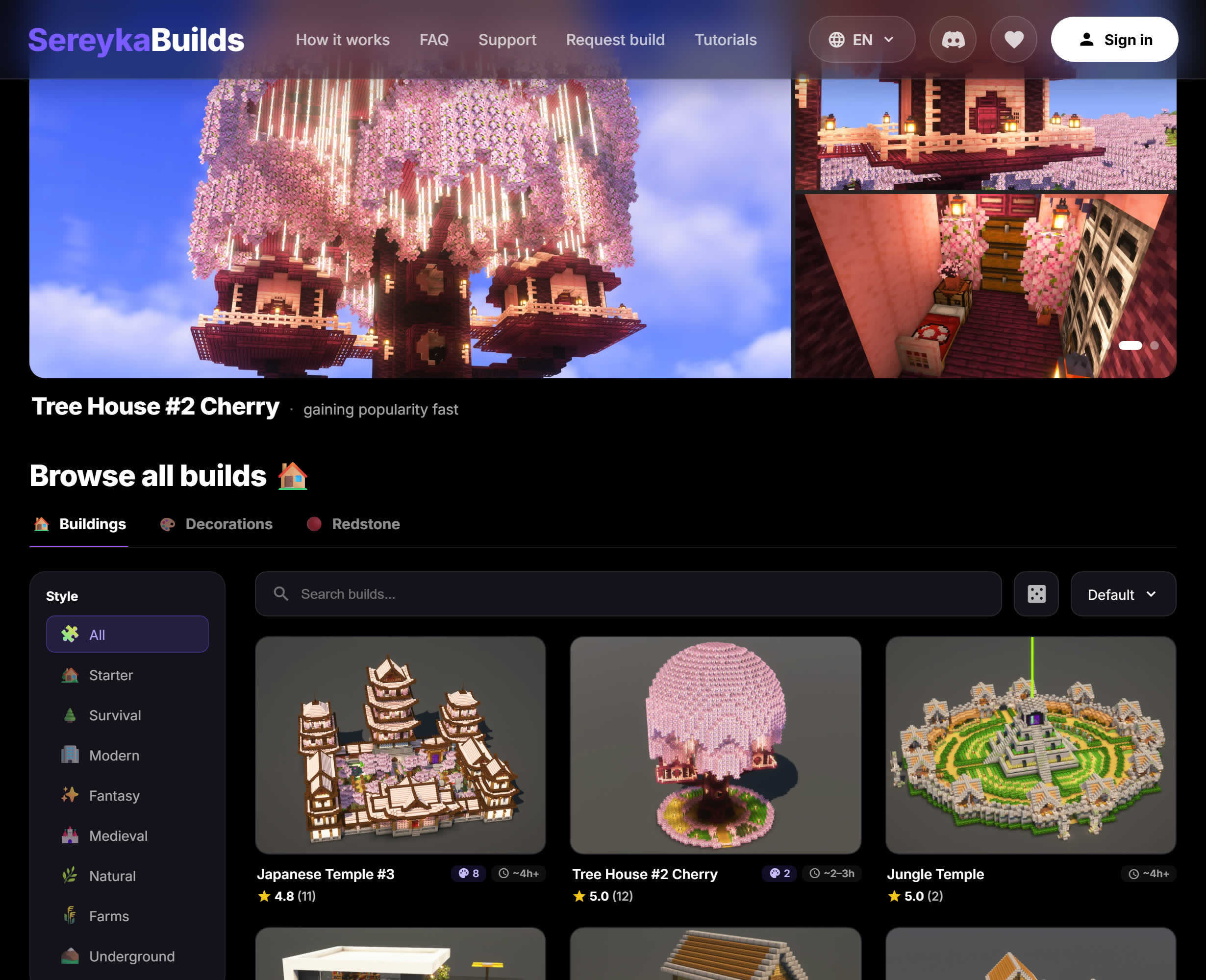
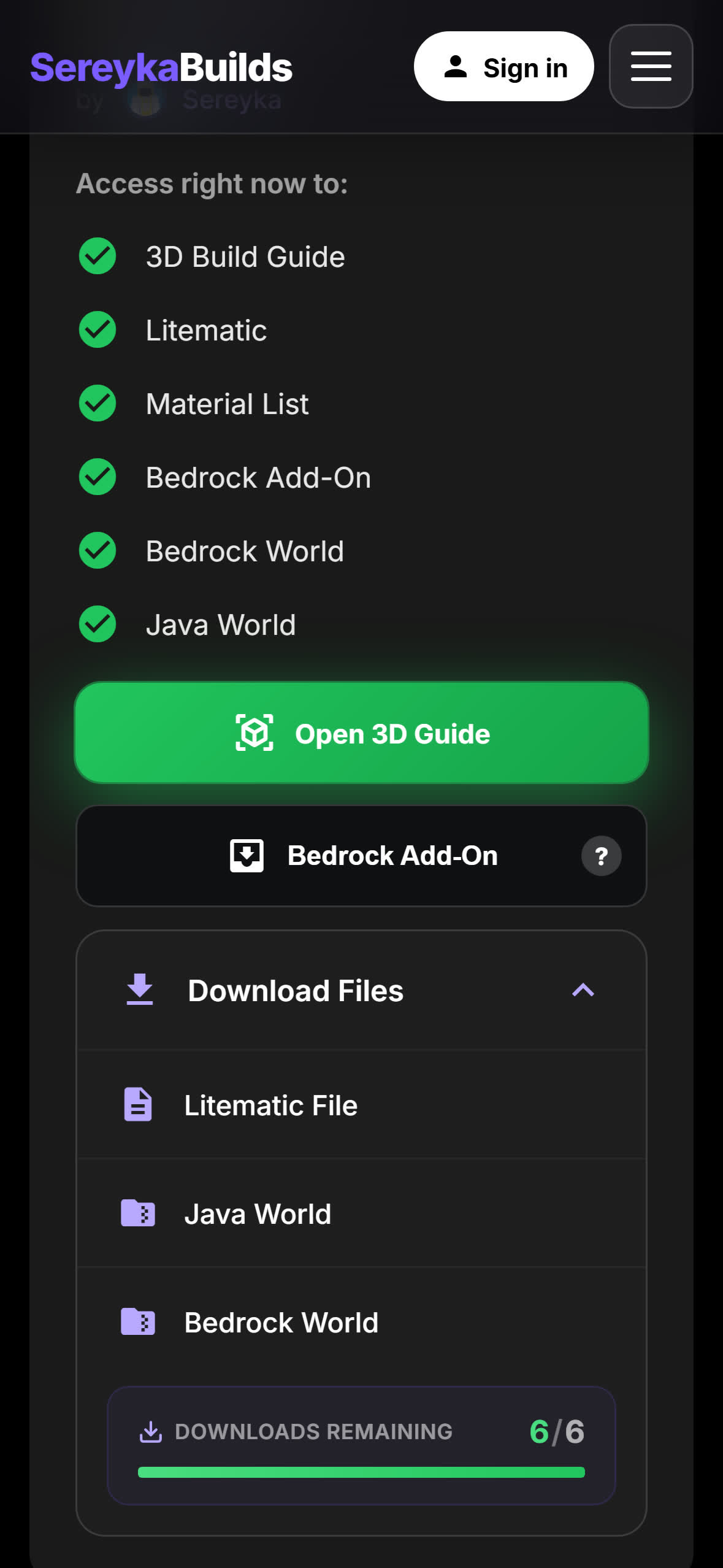
.mcaddonDownloadGet the add-on
Pick your Minecraft version - each download has everything you need.
Three steps, no mod loader, no libraries.
Install Fabric
Minecraft cannot load mods on its own. Run the installer once, then play through the Fabric profile.
Drop three .jar files into .minecraft/mods
sereyka-builds+fabric-api+owo-lib
All three are in the .zip below, matched to your Minecraft version.
Prefer the libraries separately? Fabric API and owo-lib are on Modrinth. Stuck? Ask on Discord or read the FAQ.
Open the file
Double-click it - Minecraft imports the pack itself.
Tap it in Downloads, pick Minecraft.
Files → Downloads → tap it. Nothing? Share → Copy to Minecraft.
Consoles cannot import files: set the world up on PC or phone and join it as a Realm.
Turn it on in your world
World settings → Behavior Packs → Activate Sereyka Build - ...
Minecraft Bedrock 1.21.40+. Your own worlds and Realms; on public servers only the hologram shows.
How it works
Install once, then everything happens inside your own world.
Once the pack is on, one stick does everything.
Install the mod
Drop the jars into your mods folder and start Minecraft.
Press B in your world
The catalog opens right there - no need to leave the game.
Pick the house you like
Free builds are open to everyone; the rest come with your account.
Paste it, or let the bot build it
Drop the whole house in at once, or watch the bot place it block by block while you build along the ghost preview.
Free builds includedPlace an armor stand
Craft it from 6 sticks + 1 stone slab. The build appears centred on the stand and grows up from its feet - so put the stand where the middle of the house should be.
Wrong spot? Break the stand and place it againSneak-tap with a stick to turn it
Hold a stick, crouch and tap the stand: the hologram turns 90° per tap and chat prints the angle. Keep tapping to go 90 → 180 → 270 → back.
Tap with a stick to build
Same stick, no crouching. The whole build places at once and the armor stand disappears.
Stay close: far chunks are not loaded, the stand waits for youEmpty hand = build it yourself
Sneak-tap the stand bare-handed to peel the hologram layer by layer, bottom up - handy when you want to lay the blocks yourself. Keep tapping to get the full build back.
Made for builders
Everything the 3D guides do on the site - now inside your game.
A build guide and an auto-builder in one add-on.
One-click place
Pick a build in the panel - it appears in your world.
Ghost preview
See the build as a hologram before placing.
Auto-builder
A bot with your skin builds it block by block.
Material list
Every block you need, counted for you.
Layer view
Show the hologram layer by layer while you build.
Free forever
The mod is free. Premium builds unlock with your account.
Hologram preview
The armor stand shows the whole build before you commit.
Real placement
One tap with a stick and the blocks are really there.
90° rotation
Sneak-tap turns the hologram - build faces where you want.
Layer view
Follow the hologram layer by layer and lay the blocks yourself.
No experiments
Stable APIs only - no experimental toggles needed.
Free forever
Free builds for everyone. Premium unlocks with your account.
FAQ
1. Install Fabric
Run the Fabric installer once and pick your Minecraft version - it adds a new profile to your launcher. (The mod is Fabric-only; Forge is not supported.)
2. Download the .zip for your version
Pick your Minecraft version in the Download list above. Each .zip holds three .jar files: the mod, Fabric API and owo-lib.
3. Unpack it into the mods folder
- Press
Win + R, paste%appdata%\.minecraft\modsand hit Enter. Mac:~/Library/Application Support/minecraft/mods. - Put all three .jar files in there, side by side.
4. Launch and build
Start the game with the Fabric profile, open your world and press B. If the paste menu opens - you are done.
Three .jar files, all free - and the .zip above already contains all three, matched to your Minecraft version:
- sereyka-builds - the mod itself.
- Fabric API - the standard Fabric library every Fabric mod needs.
- owo-lib - the UI library the mod's menus are built with.
On top of that you need the Fabric Loader itself - run its installer once for your Minecraft version.
B in game, open the web panel and pick any build from the catalog - one click places it as a hologram. Free builds are open to everyone; premium builds unlock with your sereyka.com subscription.- On any build page hit Bedrock Add-On (.mcaddon) - one file downloads.
- Double-click it - Minecraft opens and imports both packs (behavior + resources).
- Create or edit a world, open Behavior Packs and activate Sereyka Build - ... The resource pack joins automatically.
- Enter the world - a purple [Sereyka] chat message confirms the add-on is running.
.zip - rename it back to .mcaddon.B key.180+ builds are waiting
3D guides, Java & Bedrock worlds - and builds that paste themselves.